
Sales
Keep new leads and follow-ups in a dedicated session.

A clearer way to stay organized
Keep sales, support, orders, and personal conversations separated without losing the thread of your day.
Messenger Multi Business lets you open up to 4 independent WhatsApp Web sessions in one focused workspace on iPhone and iPad.
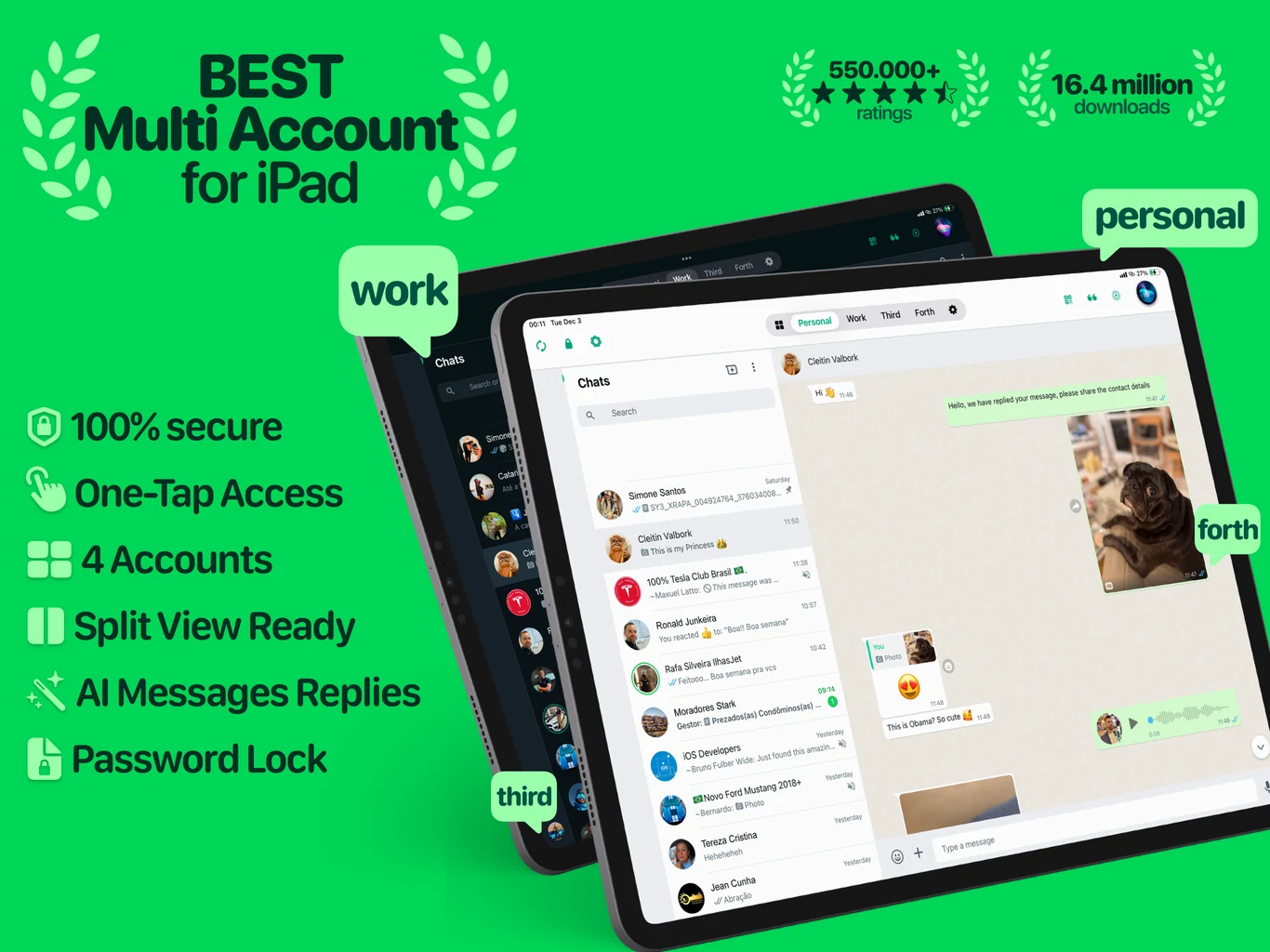
Separate by purpose
Name each space for the role it serves. Switch context in a tap while each session keeps its own website data.
Keep new leads and follow-ups in a dedicated session.
Separate customer questions from the rest of your day.
Keep fulfillment conversations within easy reach.
Maintain a distinct space for conversations outside work.
Built for daily work
A compact set of tools helps you move through busy days without turning the workspace into a dashboard maze.
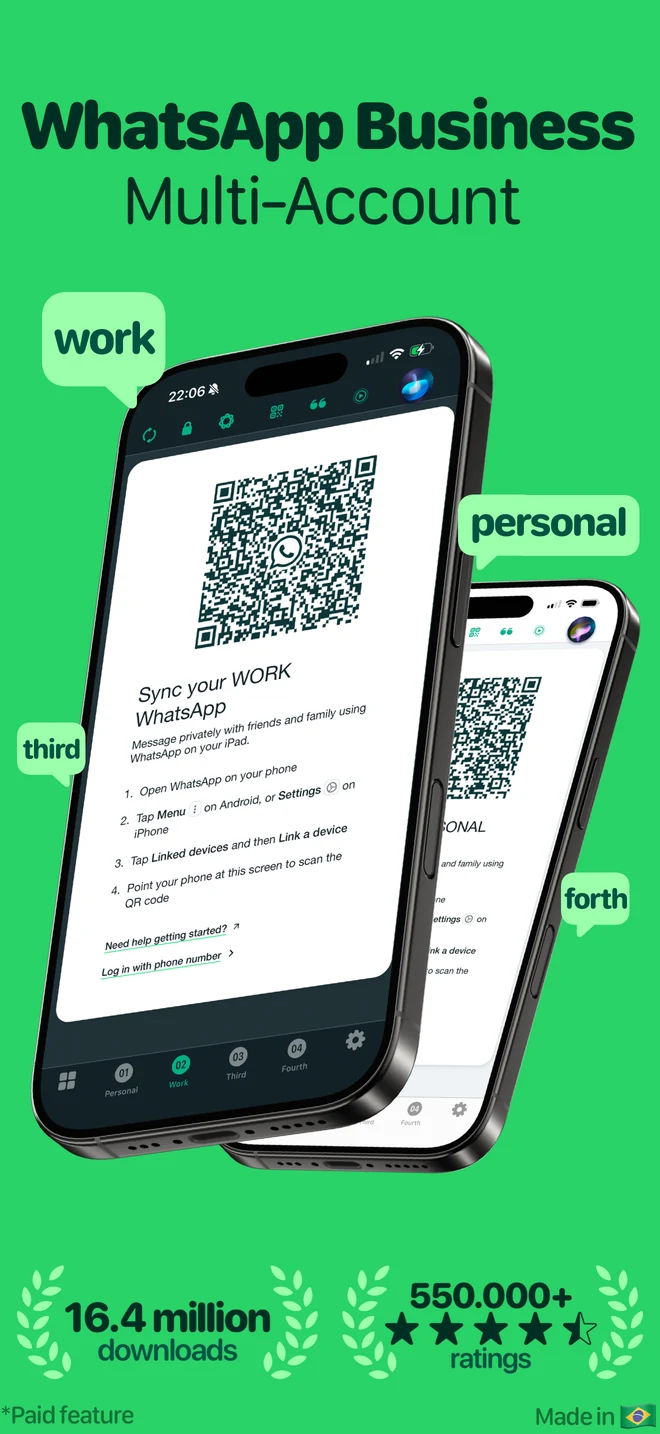
Switch
Move between up to 4 sessions while keeping their browser storage separate.
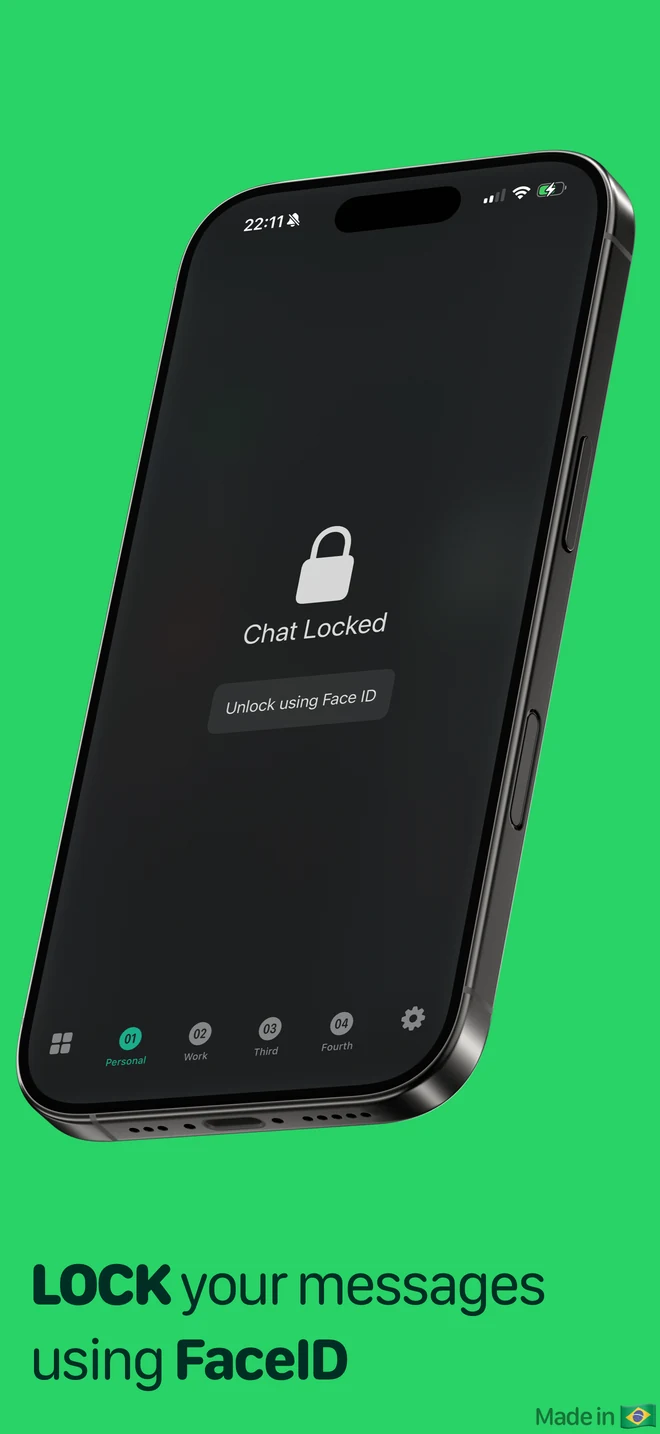
Protect
Use the device security options available in the app to add a barrier before access.
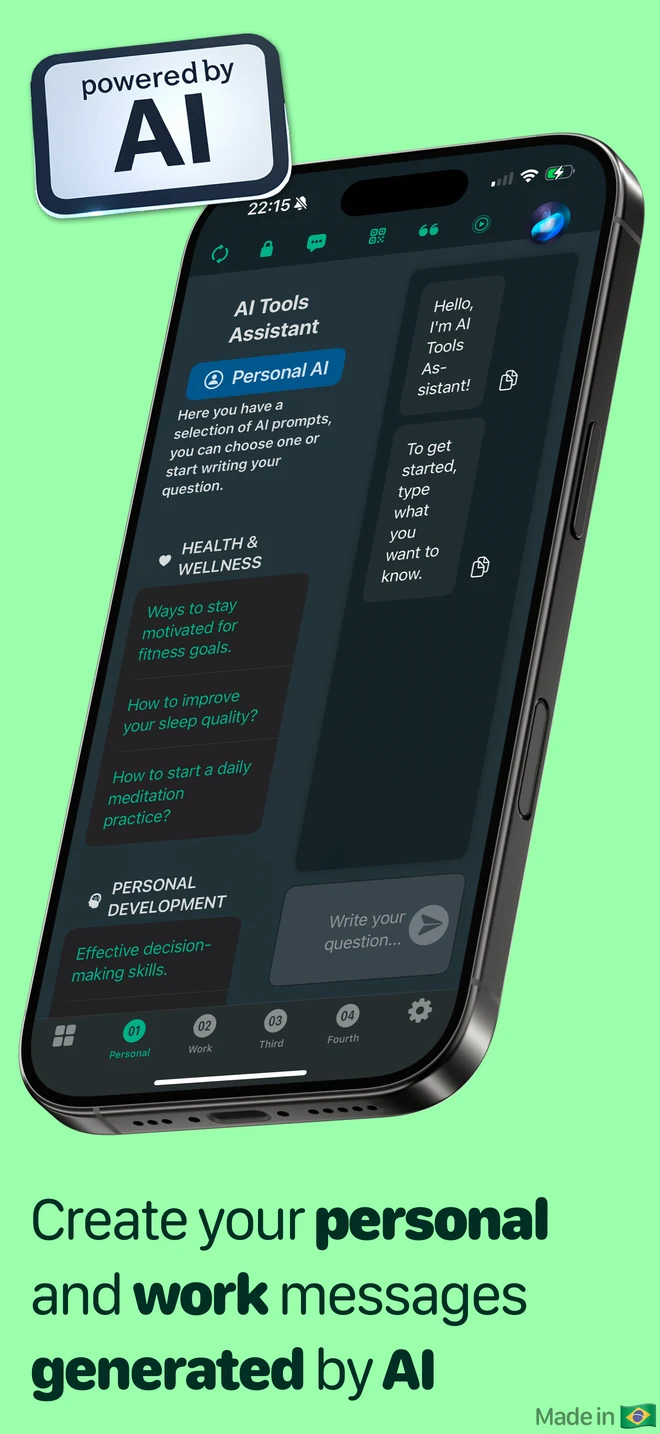
Assist
When you choose to use them, AI writing tools can help draft, rewrite, or summarize text.
Notice
Choose notification options that help you notice activity without opening every space.
Find
Search for a GIF when a visual reply fits the conversation.
Connect
Follow the in-app steps to connect a compatible web session.
Transparency, not slogans
Session website data is stored in separate on-device web containers. Some optional features send text or search information to third-party providers when you trigger them, and advertising, analytics, diagnostics, and push services may process device or usage information. The Privacy Policy explains each category.
Questions, answered
No. Messenger Multi Business is developed independently by TrueTapp Mobile Apps Ltda. It is not affiliated with, sponsored by, or endorsed by WhatsApp LLC, Meta Platforms, Inc., or their affiliates. WhatsApp and Meta are trademarks of their respective owners.
No. Each space is an independent web session. The app gives you one place to switch between them, but it does not combine contacts, histories, or third-party accounts.
No. AI writing features are optional and run only when you choose the related action. The text involved in that request is sent to the provider described in the Privacy Policy.
Purchases are handled by Apple. You can review or cancel an active subscription in your Apple Account subscription settings and restore eligible purchases from the app.
Describe the problem, your device model, iOS version, and app version. Never send a password, QR code, authentication code, or private conversation content.
Make room for focused work
Available for iPhone and iPad on the App Store.